How does display ad builder work?
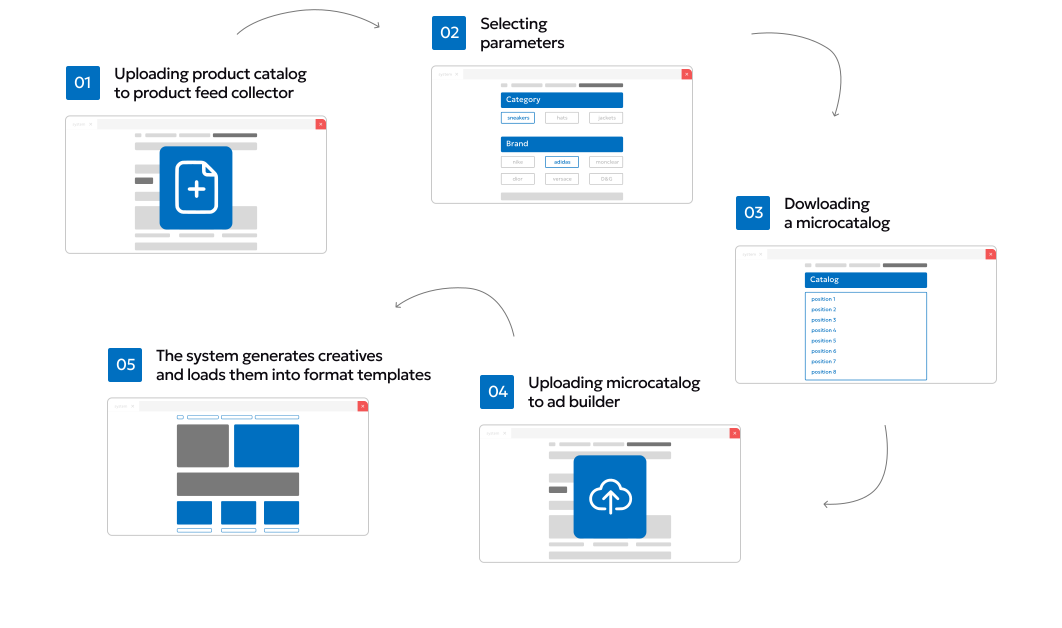
Key Steps
Product Feed Ingestion
Full catalog uploaded to feed collector.
Parameter Selection
Filters applied to define target products.
Microcatalog Generation
System exports a lightweight, campaign-specific dataset.
Ad Builder Integration
Microcatalog imported into creative platform.
Automated creative generation
Product data (image, title, price, CTA) merged with templates.
Innovative ad formats
powered by our technology
Static formats
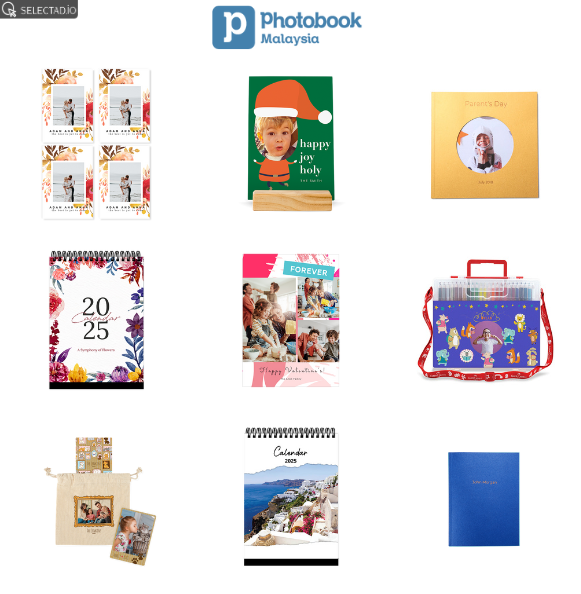
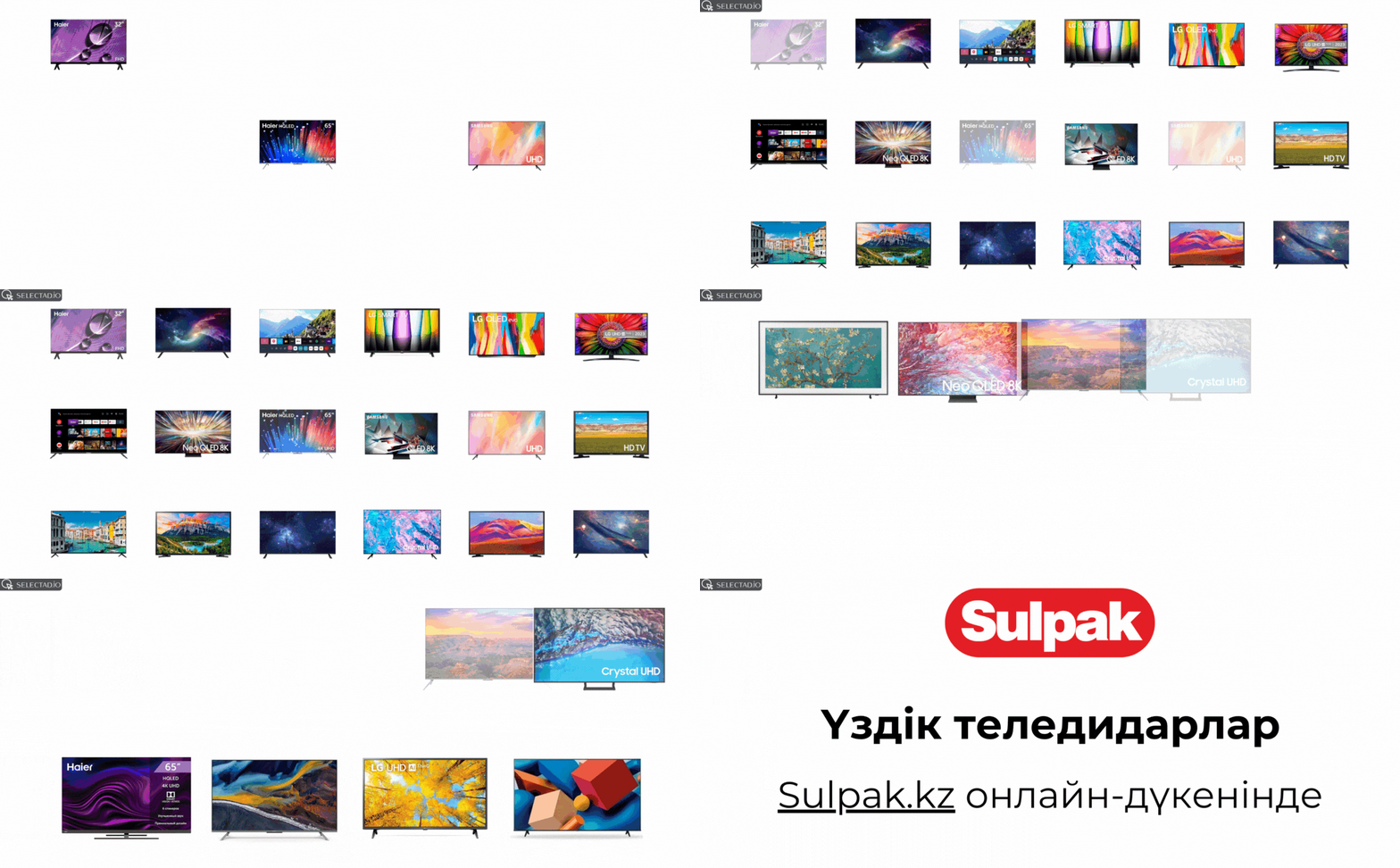
XML data loads product images into static templates. The format is often used in native advertising, social media feeds, premium positions, full-screen formats, etc.
Dynamic formats
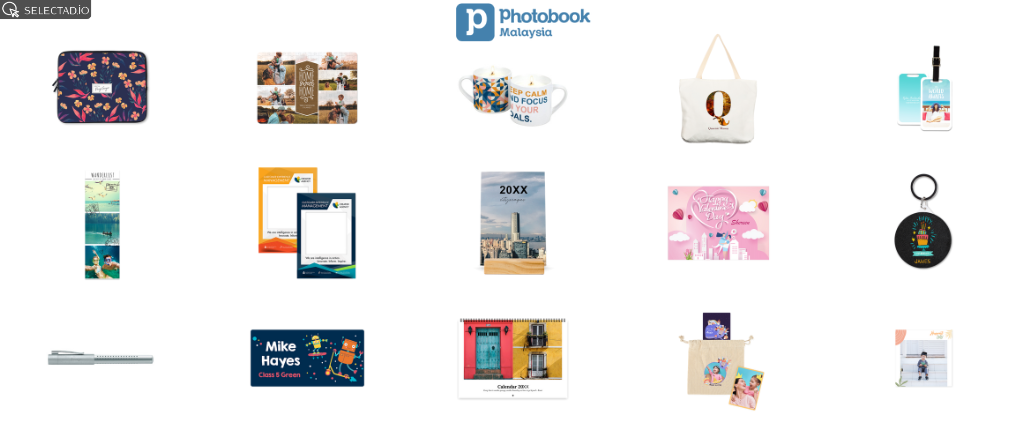
XML data loads the image, name, description and price of the product into dynamic templates. The format is often used in dynamic retargeting and contextual display advertising
Video formats
XML data loads image, title, description into video templates. The format is often used in video content, clips, social media feeds and stories, etc.

Make any format your own with customizable ad templates.

Add your own corporate colors, fonts and logos

Change format templates, upload promotional information for various tasks
Why do we recommend using all available formats?
Using all available formats helps you reach more people in different ways. Some users notice banners, others engage with native ads or full-screen pop-ups. The more formats you use, the higher your chances of getting clicks and sales.